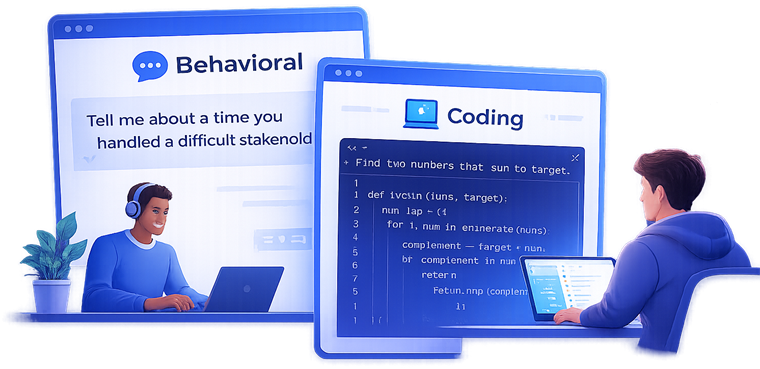
Interview Help

Interview Help for Coding, Behavioral, and Technical Interviews

PeakSpeak gives live interview help during coding, behavioral, and technical rounds with question-aware prompts, resume-grounded answers, screen analysis, and post-interview review in the same workflow.

Last updated: March 30, 2026

Page snapshot

What this page covers

Real time
  • What interview help means and who should use it
  • How PeakSpeak supports coding, behavioral, and technical rounds
  • Product examples, screenshots, FAQs, and next-step links
PeakSpeak interview help preview showing screen analysis

What interview help means

Interview help means getting support before, during, and after live interview questions so your answers are faster, clearer, and more relevant to the role.

On this page, interview help means real-time support for coding, behavioral, and technical interviews, not just a prep checklist. PeakSpeak focuses on live question capture, grounded answers, and later review so you can keep improving across rounds.
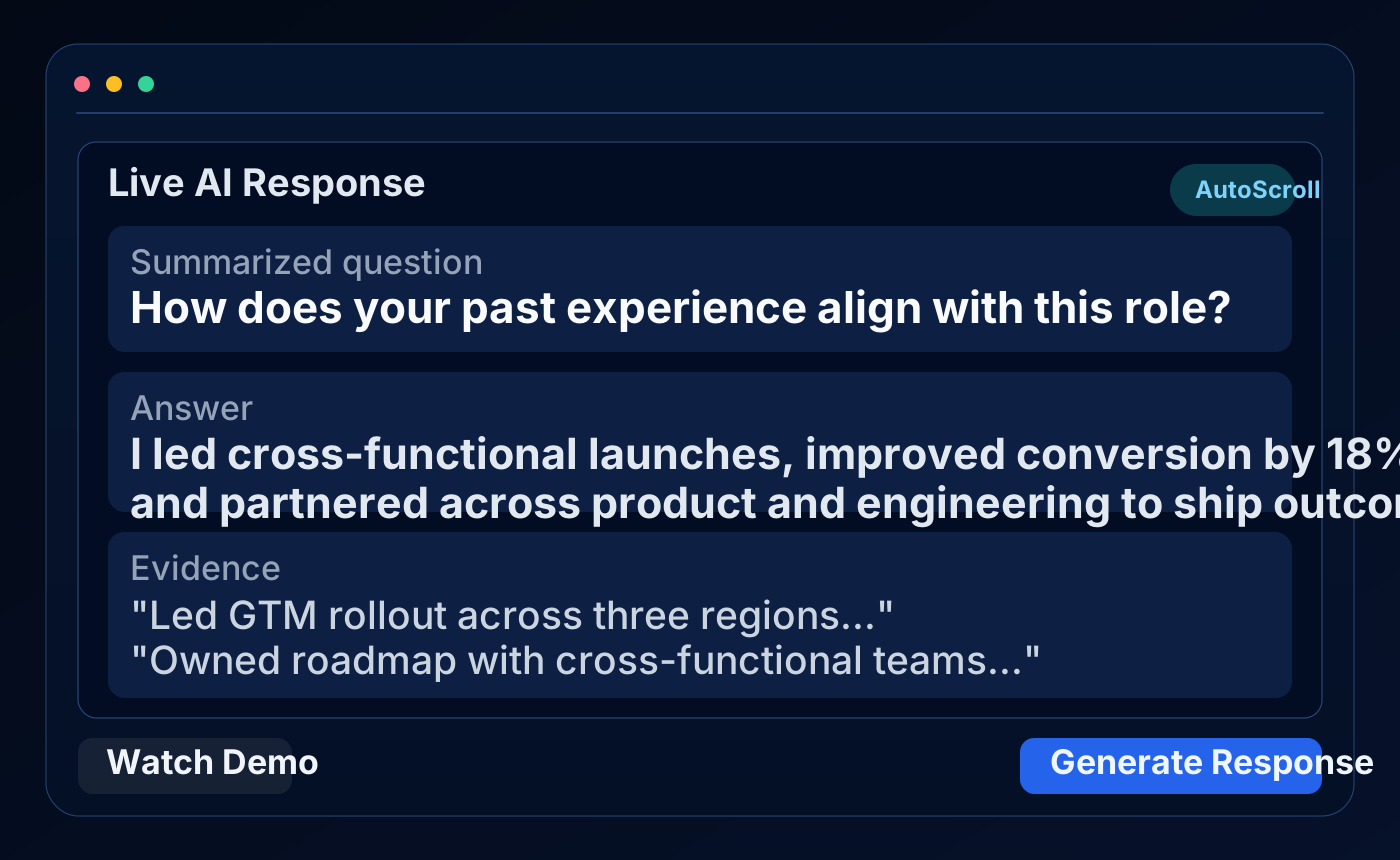
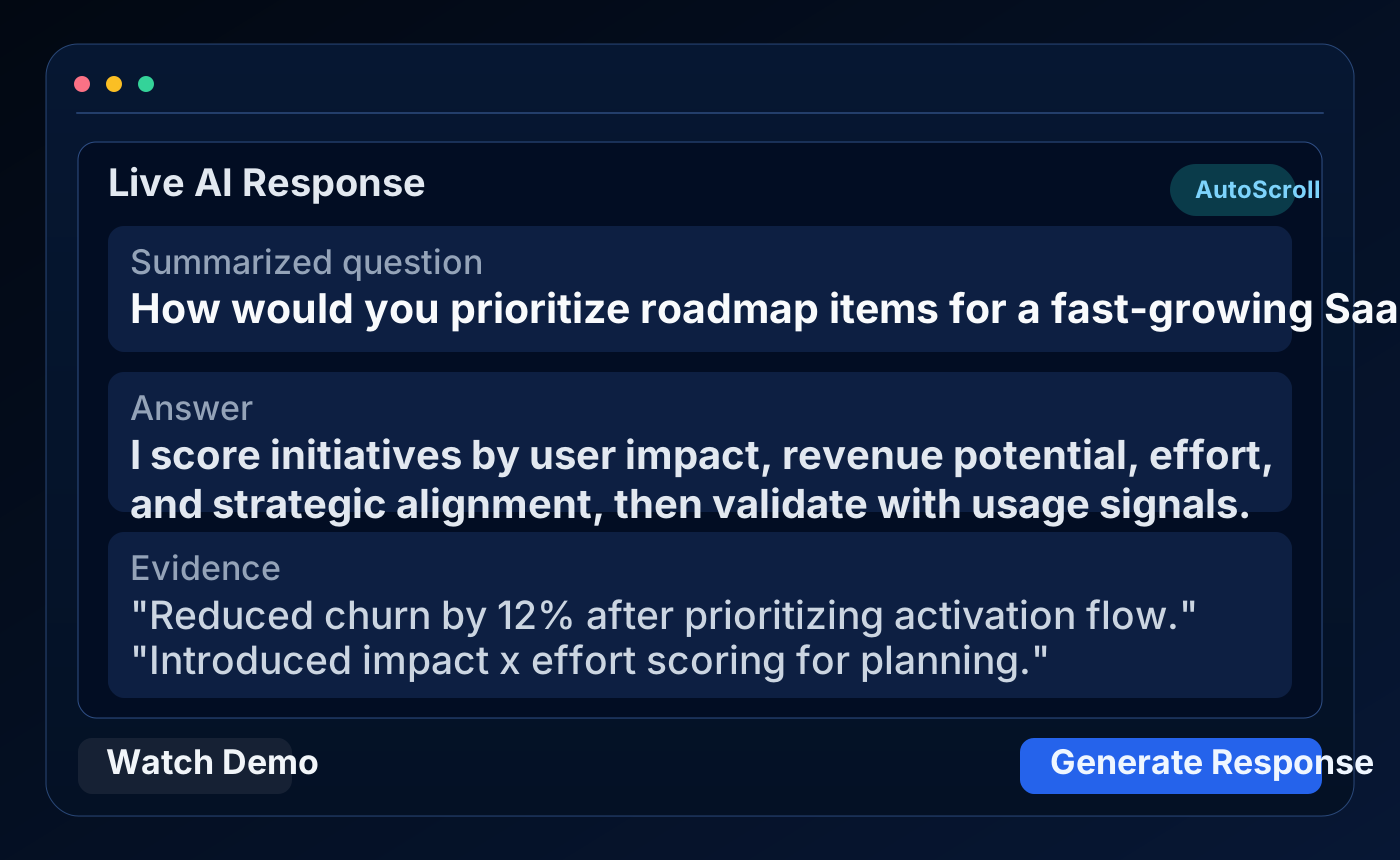
Who this interview help page is for

Coding interviews

Get help with live coding questions, edge cases, explanation quality, and how to talk through your solution under pressure.

Behavioral interviews

Turn resume bullets into stronger stories, keep answers structured, and stay concise with question-aware prompts.

Technical interviews

Handle product, architecture, analytics, and system design questions with clearer, grounded answers during live calls.

How it works

1. Capture the question

PeakSpeak listens for live questions and can analyze what is on screen so the context arrives quickly.

2. Ground the answer

Answers are shaped around your resume, uploaded documents, and the role so they sound relevant instead of generic.

3. Review and improve

After the session, you can revisit the transcript, ask follow-up questions, and sharpen weak spots before the next round.

Examples of coding, behavioral, and technical questions

Coding interview example

How would you solve Two Sum and explain the tradeoffs?

Use live coding support to spot the problem type, draft the brute-force and optimized path, and explain complexity clearly.

Behavioral interview example

Tell me about a time you handled conflict on a team.

Use resume-grounded prompts to build a sharper STAR answer with a clear situation, action, and measurable result.

Technical interview example

How would you design a system that handles traffic spikes?

Use screen analysis and supporting notes to structure the answer around requirements, tradeoffs, scaling, and failure modes.

Screenshots and product examples

Live interview overlay

A compact overlay keeps answers visible during the interview without forcing you into a separate workspace.

PeakSpeak desktop overlay example with interview answer support

Question-aware screen analysis

Analyze Screen reads what is in front of you and turns complex prompts into something easier to answer quickly.

PeakSpeak analyze screen preview for interview help

Resume and document grounding

Upload your resume and key documents once so later answers stay tied to your actual experience and role context.

PeakSpeak example of grounded interview help using uploaded context

Interview help FAQ

What does interview help mean in practice?

It means getting support while you prepare for and handle live interview questions, including coding, behavioral, and technical rounds.

Who is this page for?

It is for candidates who want faster, more structured answers during interviews and better review tools after the call ends.

Does PeakSpeak help with coding interviews?

Yes. The product includes live coding support, question detection, screen analysis, and help talking through a solution.

Can it use my resume and notes?

Yes. Resume and document uploads help keep answers grounded in your actual experience, projects, and target role.

Does this work only during the interview?

No. You can also review transcripts later, ask more questions, and tighten answers for future rounds.

Where can I learn more after this page?

Use the links below to explore the main feature breakdown, pricing, homepage FAQ, and the free sign-in flow.